
★ Feature ★ Intake ★
Vendor Sign-Up Flow
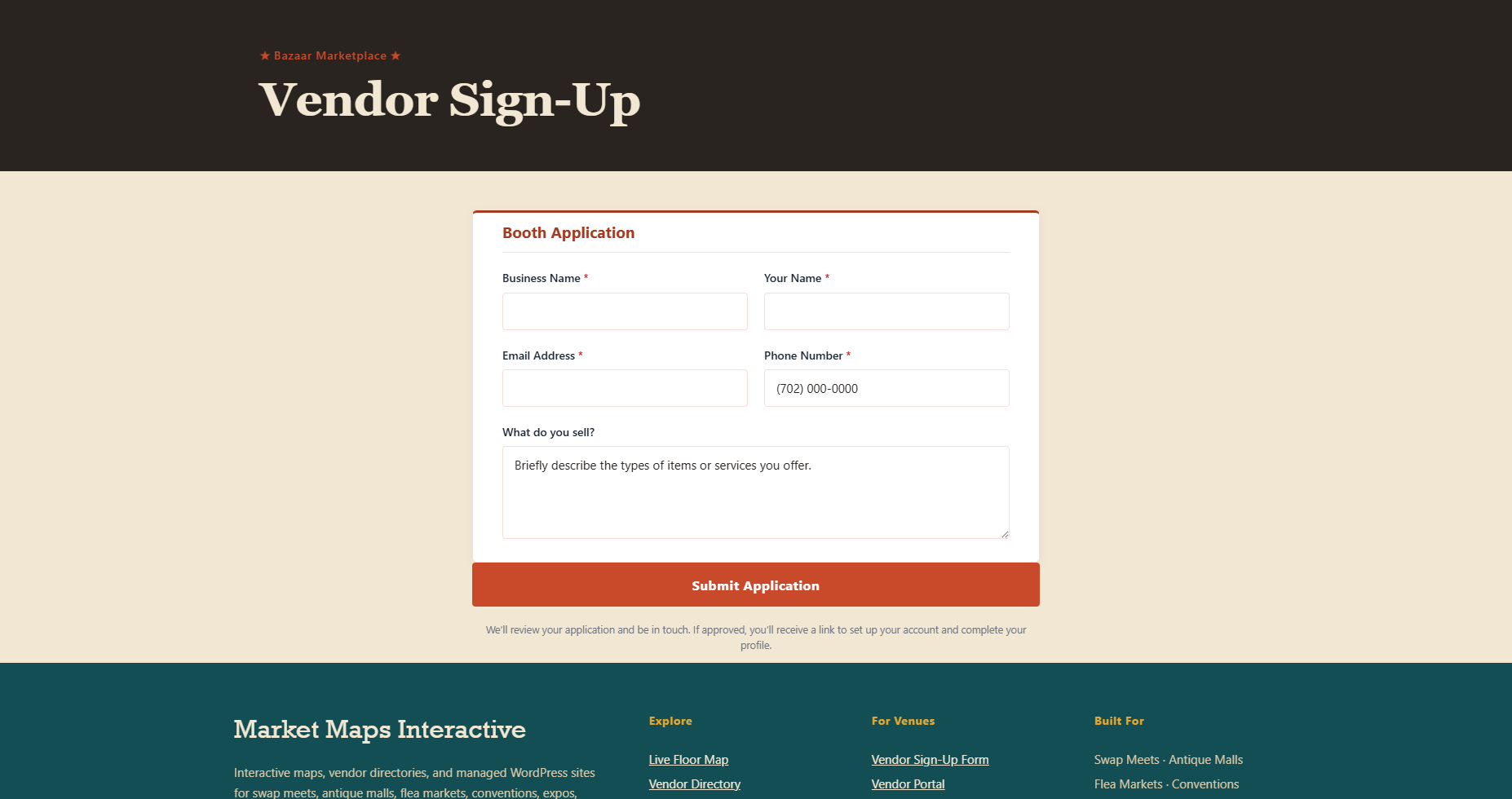
A branded application form that filters out junk before it hits your inbox. Honeypot-protected, rate-limited, routed into a review queue you control — and into a vendor packet email that doesn’t require a manager to assemble it manually.
What We See
Across the industry, the operator’s intake checklist looks roughly the same: a venue map, load-in instructions, vendor rules, a list of required permits and licenses, the lease or stall agreement. Most operators bundle this into a “vendor packet” PDF and attach it manually to every applicant reply — a workflow that scales badly past a few applications a week.
Pattern documented across operator-facing guidance
Vendor packing checklists, city-level vendor licensing pages
What We Built
Stop being the bottleneck on intake
When a vendor applies through your site, the system handles everything an operator would normally handle by hand: confirmation email, vendor packet attached, application logged into the review queue, manager notified. You step in when there’s a real decision to make — not to forward a PDF.
Try the form on the Saguaro Sands demo →★ What It Does ★
Real Applications, Less Noise
Honeypot & Rate Limit
Bots can’t get through the hidden honeypot. The same email submitting twice in five minutes gets soft-blocked. No CAPTCHA noise.
Review Queue
Every application lands in your operator dashboard with a one-line summary, a suggested booth if one’s open in the right category, and a category-fit score against your existing vendor mix. Approve, decline, or follow up — the audit log records what you did.
One-Click Provisioning
Approve and the vendor account is created, a public page appears, and a welcome email with a login link goes out automatically.
★ Operator View ★
Your Review Queue, Not Your Inbox
Applications stop pinging your personal email. They sit in a queue inside the operator dashboard, where you can see them in context, compare against existing vendors, and decide without context-switching. The vendor packet, the welcome email, the booth pre-assignment — all of it happens automatically once you click Approve.
- One-click Approve or Decline — with optional note back to the applicant
- Email notification to whichever manager you point it at
- Suggested booth + category-fit indicator at decision time
- Vendor packet auto-attached to the welcome email
- Every decision logged in the audit trail — nothing falls through cracks
★ Try the Form ★
Submit a Test Application
Fill out the live form yourself — see what your prospective vendors see, get the welcome email in your inbox, then book a call so we can wire it to your venue’s intake workflow.